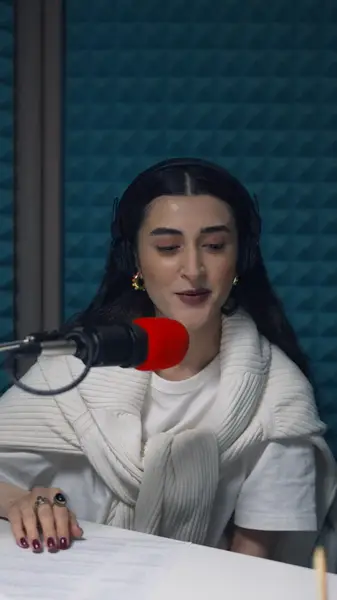
Vertical from the start
Set the frame to 9:16 and the export is cropped to match, so the MP4 you download is already the shape of a reel.
Style captions once, keep them out from under Instagram's buttons and text, and export a vertical MP4 that's ready to share as a reel.
No credit card · 2 free minutes every month · MP4, SRT and VTT export
A reel has to make sense to someone whose phone is on silent. If the words are on screen, the point still lands; if they aren't, the viewer sees someone talking and keeps scrolling.
Instagram can generate captions for a reel automatically, and that helps. But those captions appear in Instagram's own style along the bottom of the video, in the same stretch of screen as the account name and post caption, and they look the same on your reels as on anyone else's.
Burning styled captions into the video puts both things back in your hands: where the words sit, and what they look like.
Set the frame to 9:16 and the export is cropped to match, so the MP4 you download is already the shape of a reel.
Move the caption block up, away from the bottom of the frame where Instagram lays its own text and buttons over the video.
Use the same style, font and colors on every reel so your videos read as a set rather than a string of experiments.
On a paid plan, upload the font your brand already uses and set the captions in it.
Animated styles follow each word's own timing, so emphasis stays in step with the speaker even through quick cuts.
Start from the finished MP4 or MOV, before adding any text or stickers inside Instagram.
Correct handles, product names and anything else the transcription misheard.
Choose 9:16, pick a caption style, and lift the captions clear of the lower part of the screen.
Download the MP4, move it to the device you post from, and share it as a reel.
Instagram draws its own layer over every reel: the account name and post caption along the bottom, and the like, comment and share buttons down the right-hand side. Captions set in the traditional subtitle spot, just above the bottom edge, end up underneath it.
Meta's guidance for Reels ads is to keep roughly the bottom 35% of the frame free of text, logos and other key elements, with smaller margins at the top and sides. Ordinary reels carry a similar overlay, which makes that a sensible margin for captions too.
In practice, that puts captions around the middle of the lower half rather than hugging the bottom edge, and away from the right side where the buttons stack.
Instagram's automatic captions are a reasonable fallback, but the typeface, color and placement are Instagram's to decide, not yours. For an account that cares how its posts look, that's the part that matters.
Burned-in captions are part of the video file. They look exactly as you designed them, they're on screen from the first frame on every phone, and they travel with the clip if you post it somewhere else.
If you burn captions in, check whether Instagram's automatic captions are also switched on for that reel, so nobody sees the same words twice.
People meet an account's reels one after another, in the feed and on the profile. Captions that change font and color from post to post make an account look improvised; a single style makes it look deliberate.
Decide the style once, including the font, text color, highlight color and how high the captions sit, and apply the same choices to each new reel.
Vertical 9:16. Choose that aspect in the editor and the export is cropped to it, so the captions you place are exactly where they'll appear in the reel.
They can if the captions sit at the very bottom or against the right edge. Keeping them higher in the frame, away from the account name, post caption and buttons, avoids it.
Yes. Paid plans let you upload a custom font file and use it for your captions.
Clips can run up to 60 seconds on the free plan, which includes 2 minutes of transcription a month and a watermark on exports. Paid plans from $19 a month take clips up to 5 minutes.
Yes. The captions are rendered into the MP4, so the file posts the same way anywhere; each app arranges its buttons a little differently, so leave a margin that suits all of them.
The free plan needs no card. Upload a clip, check the captions yourself, and only upgrade when you want the watermark gone.