Timing for every single word
Most auto-captions time whole lines, so they drift. AutoCap gives every word its own start and end, which is what keeps a karaoke highlight or a word pop exactly on the beat.
AutoCap turns speech into captions with a timing for every word. Fix anything, pick a style, and export a captioned MP4 — or SRT and VTT files for any platform.
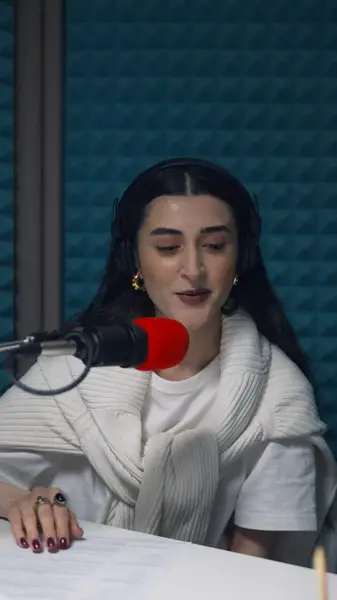
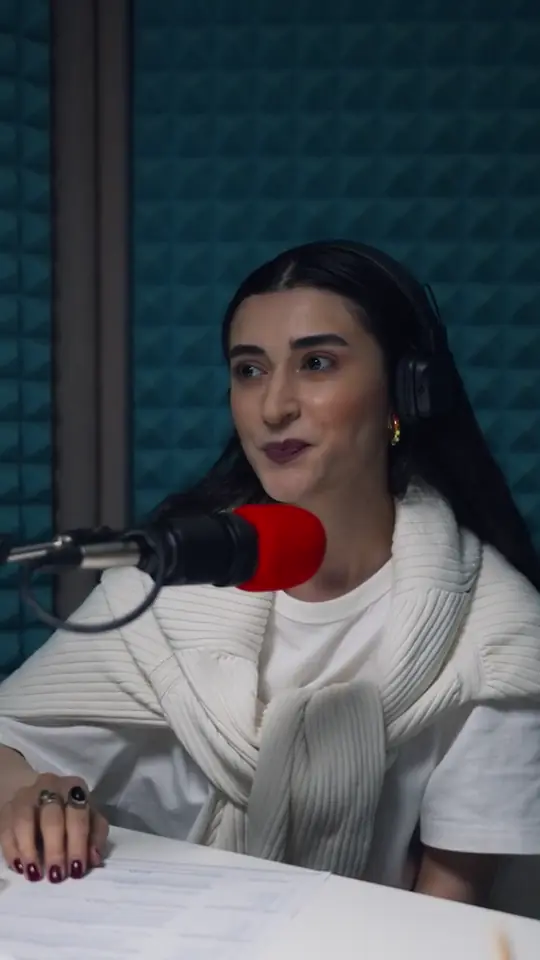
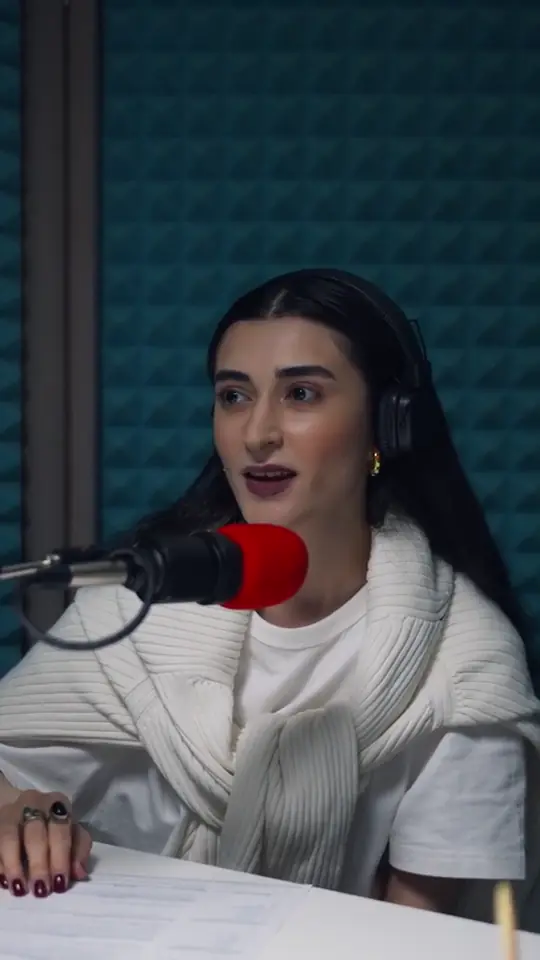
Each style reveals word by word and highlights what matters. What you see here is the exact renderer the editor and the exporter use, so the preview and the finished video can't drift apart.
Not a video editor with captions bolted on. Every part of AutoCap is built around one job: getting speech onto the screen accurately, on time, and in a style worth posting.
Most auto-captions time whole lines, so they drift. AutoCap gives every word its own start and end, which is what keeps a karaoke highlight or a word pop exactly on the beat.
A transcript is a starting point, not a verdict. Fix names and jargon, split lines, retime a single word.
Word pops, karaoke fills and clean subtitles. Recolor any word and choose from dozens of fonts, or upload your own.
Export runs on your own device. Your footage is never uploaded to be rendered, and exports are unlimited on every plan.
Burned-in MP4 at up to 1440p, keeping your clip's frame rate and audio — never upscaled, never resampled.
Subtitle files written from the transcript you corrected, ready for YouTube, LinkedIn, Premiere Pro and DaVinci Resolve.
No timeline to learn and no project to manage. Upload, fix what the model missed, pick a look, export.
Drop in an MP4 or MOV from your phone or camera. Only the audio is sent, and only to transcribe it.
Each word comes back with its own start and end time, so a highlight lands exactly when the word is spoken.
Fix any word, split a line, nudge a timing. Then pick a caption style and tune the font, colors and animation.
Burn the captions into an MP4 rendered right in your browser, or download SRT and VTT files for any platform or editor.
Correct the words once. The captioned video and the subtitle files are all written from the same edited transcript, so a fix shows up everywhere.
.mp4
Captions rendered into the pixels, styled exactly as you set them. Plays the same on TikTok, Reels, Shorts and everywhere else.
Burn in subtitles100:00:00,150 --> 00:00:01,200This is how.srt
The most widely accepted subtitle file. Upload it to YouTube, LinkedIn or Vimeo, or import it into Premiere Pro and DaVinci Resolve.
SRT generatorWEBVTT 00:00:00.150 --> 00:00:01.200This is how
.vtt
The web standard for HTML5 video players and course platforms, from the same corrected transcript.
VTT generatorPeople watch with the sound off on trains, in offices and late at night — and deaf and hard-of-hearing viewers rely on captions every time. Accessibility rules on both sides of the Atlantic, from the European Accessibility Act to the ADA and WCAG, increasingly expect video to carry them.
Read the captioning and accessibility guideMore on pricing, files and privacy in the full FAQ.
AutoCap is an automatic caption and subtitle generator. Upload a video, get an editable transcript with a timing for every word, style the captions, and export either a video with the captions burned in or standard SRT and VTT subtitle files.
Yes. The free plan includes 2 minutes of transcription every month, clips up to 60 seconds, every caption style and unlimited exports with a small watermark. No credit card is needed. Paid plans remove the watermark and add more minutes.
English and 38 more languages spoken across Europe, including Spanish, French, German, Italian, Portuguese, Polish, Dutch, Greek and Ukrainian. Pick the language when you upload, or let AutoCap detect it. The languages page lists every one.
Yes, on every paid plan. The files are written from the transcript you corrected, so your edits carry over. The free SRT to VTT and VTT to SRT converters work for anyone, no account needed.
Only the audio is sent, to transcribe it. Rendering the captioned video happens on your own device, in the browser, which is also why exports are unlimited on every plan.
Start on the free plan — no card, no expiry. Paid plans from $19 a month when you're ready to drop the watermark.