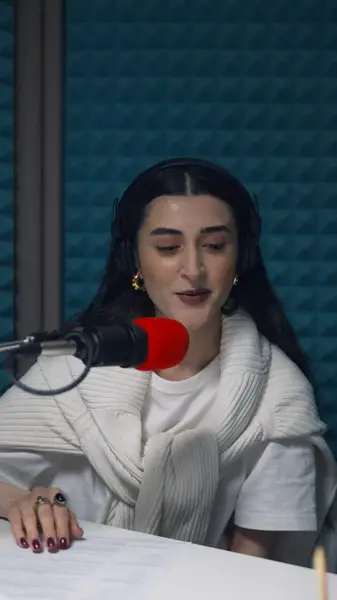
Single words, center stage
Styles in the one-word family show each word alone and large, with its own entrance — a pop, a drop, a slide or a bounce.
Pick how the words arrive — one at a time, building into a line, or lighting up karaoke-style — and AutoCap times each one to the voice.
No credit card · 2 free minutes every month · MP4, SRT and VTT export
Static subtitles were designed for films, where viewers sit still and read. Short videos are watched on the move, often muted, and the eye goes wherever something changes.
Animated captions put that to work. When a word appears, pops or changes color at the instant it's spoken, the caption carries attention along with the voice instead of asking the viewer to read ahead.
The animation can only be as good as the timing underneath it, which is why AutoCap gives every word its own start and end time before any style is applied.
A line that builds, a line that lights up as it's read, and single words that hold the frame alone. These cards play styles from the editor, in your language.
Styles in the one-word family show each word alone and large, with its own entrance — a pop, a drop, a slide or a bounce.
Build styles add each word to the line as it's said, so the sentence assembles on screen at the speaker's own pace.
The whole line stays readable while the word being spoken lights up, which suits quotes, lyrics and slower delivery.
Change how words arrive, how much of the line is revealed, and how quickly the motion plays, without touching the timing.
Recolor a single word, or emphasize a whole line, so the point of the sentence stands out from the words around it.
Upload the edited MP4 or MOV; the speech comes back as a transcript with a timestamp on every word.
Fix misheard words first, since a typo that pops onto the screen is harder to miss than one in a static line.
Try a one-word, build or karaoke style against your own footage and keep the one that fits the pace.
Export the MP4 in your browser at up to 2K, with the animation drawn into every frame.
Fast talking-head clips usually read best one word at a time: the eye never has to search, and each word gets a moment on its own.
Explainers and tutorials suit build styles, where the sentence stays up long enough to be understood. Lyrics, quotes and anything paced like speech over music suit karaoke highlights.
Movement draws the eye, which is exactly why too much of it wears the viewer out. Keep each caption to a few words, keep entrances short, and save the strongest effect for the words that matter.
Contrast matters more than motion. Light text needs an outline, a shadow or a box behind it to stay legible when the footage behind it turns bright.
Because the animation follows each word's own timestamp, styling a two-minute clip takes no longer than styling a ten-second one.
Changing your mind is just as quick. Switch from a karaoke style to single words and every caption is re-animated from the same corrected transcript, with nothing to retime by hand.
Yes. Pick a style from the one-word family and each word appears on its own, at the moment it's spoken.
Captions that keep the whole line on screen while the word being spoken changes color, so viewers can follow along. The Auto Cap 1 style works this way on every plan.
Yes, within the free plan's 2 minutes of transcription a month, for clips up to 60 seconds and with a small watermark. The Dynamic collection of extra animated styles comes with the Creator Plus and Studio plans.
Yes. It's rendered into the frames of the video, so every platform plays exactly what you exported.
No file format can carry the animation: SRT and VTT hold only text and timings. Use the burned-in MP4 for animated captions, and a subtitle file wherever a platform asks for one.
The free plan needs no card. Upload a clip, check the captions yourself, and only upgrade when you want the watermark gone.